Frequently asked questions
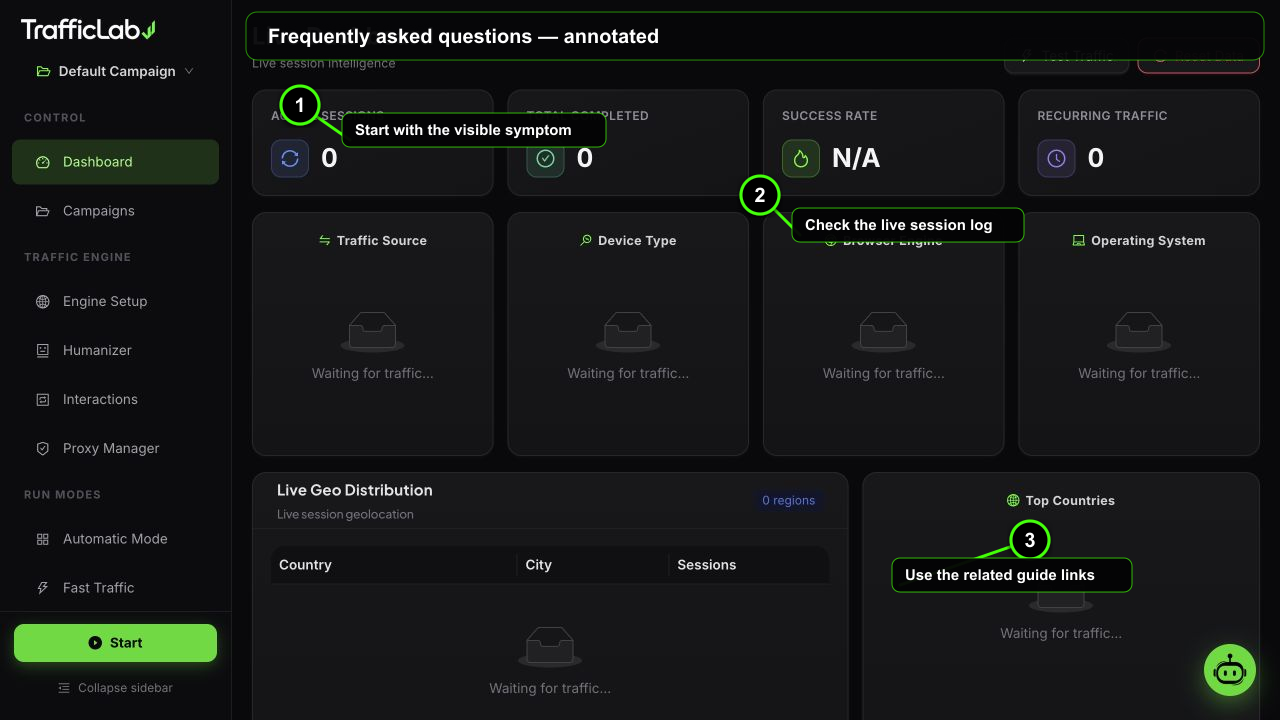
- 1Start with the visible symptom
- 2Check the live session log
- 3Use the related guide links
Quick answers to the questions users ask most. If your question is not here, the feature pages cover every screen in detail.
General
No. The default engine launches real Chromium browsers that perform real searches, type with human timing, browse pages and trigger interactions. A simulation mode exists per campaign for instant demo runs without browsers.
No. Windows setup downloads and verifies TrafficLab's private Chromium runtime without using or changing your personal browser profile.
Yes, for preview only. npm run dev opens the full interface with the simulation engine. Real browsers, real proxy validation, keyword research and the captcha pipeline require the desktop app.
Only if you want captcha solving. The engine works without it, but search engines will challenge some sessions. The self-test in Settings proves your key works before you rely on it.
Only for the chat assistant and AI comments. The AI Grader and Persona Risk Scorer run 100% locally. Any OpenAI-compatible endpoint works, including local models.
Yes. Keep Use proxy off and sessions come from your direct IP. For realistic geo distribution, add and validate proxies in the Proxy Manager.
The alert appears when the engine is set to Real Browser but the app is running as a web page. Real browsers only run inside the desktop app.
Unlimited. Each campaign keeps its own URLs, keywords, engine, humanizer and interaction settings, and campaigns can be duplicated in one click.
Engine and sessions
Everything (campaigns, proxies, sessions, settings) lives in the local app store. You can export a full JSON backup from Settings at any time.
Yes. Deactivate on the old PC, then activate with the same key on the new one. Keys are always retrievable from your purchase history.
Changing engine parameters mid-run would corrupt the session logic, so configuration locks while the engine runs. Stop the engine, adjust, then start again.
Queued (created), warming (visiting neutral sites), searching (typing into the search engine), browsing (reading the page), interacting (links, comments, ads), completed or failed.
A session that could not complete its flow: unreachable target, search engine challenge that was not solved, dead proxy, or a page that blocked the browser. The log shows the exact reason.
Yes. The engine tracks recurring sessions per campaign and the dashboard and reports show the recurring count.
AI, data and licensing
Only when you ask it to, and every mutation goes through the normal store with the UI updating live. The system prompt instructs the agent to always read real data and never invent numbers.
No telemetry. The app talks only to services you configure: your AI endpoint, your captcha provider, proxy lists you trigger, search suggestion endpoints for keyword research, and GA4 if you enable it.
The small NSIS installer downloads and verifies the matching private Chromium runtime during setup. This keeps the CodeCanyon delivery under 300 MB while still isolating traffic from personal browser data.
Settings, Data: Reset clears stats, Clear sessions removes session records. There is also Reset Data on the dashboard. Export a backup first if you want to keep anything.